Symbols and programmes on your Zanussi dishwasher
Resolution
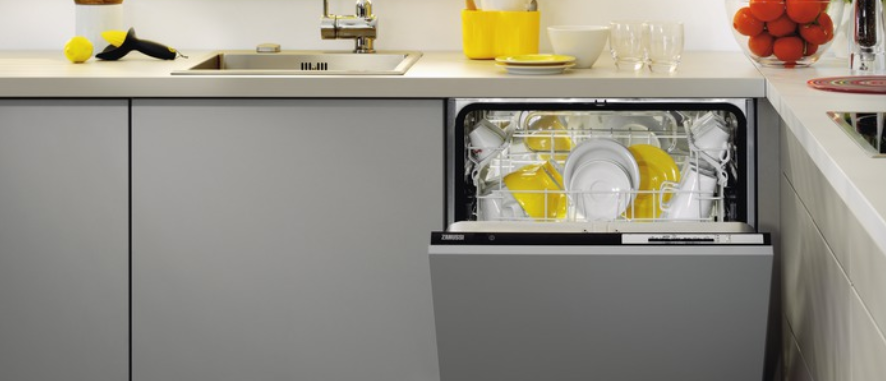
Your Zanussi dishwasher is equipped with useful indicators, programmes and options.
Different Zanussi dishwashers may have varying indicators, programmes and options. Check the user manual for details on your dishwasher model.
Indicators
 | Salt indicator The salt container needs refilling. It is always off while a programme operates. |
 | Rinse aid indicator The rinse aid dispenser needs refilling. It remains off while a programme is running. |
 | Cleaning phase indicator The cleaning phase is running. |
 | Rinsing phase indicator |
 | Drying phase indicator |
Programmes
Depending on your model, you have a selection of different programmes to choose from.
Different Zanussi dishwashers may have varying indicators, programmes and options. Check the user manual for details on your dishwasher model.
 | Pre-wash (Pre-Rinse) |
 | ECO |
 | AUTO |
 | 30 minutes Short programme for slightly dirty dishes and cutlery. Dishes will not be dried. |
 | 60 minutes Programme for slightly dirty dishes and cutlery you've just used. Also works for lightly dried-on residue. |
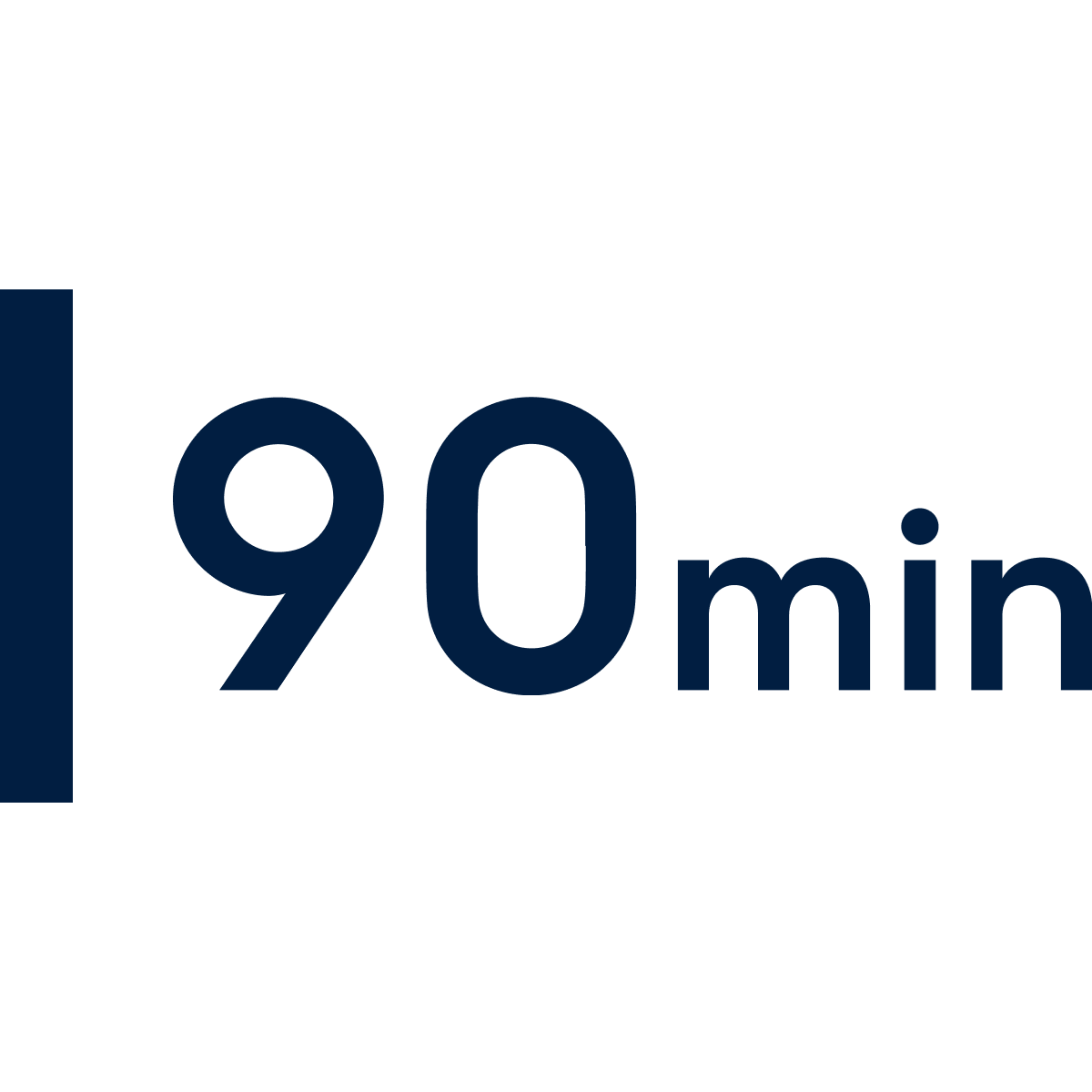 | 90 minutes Optimal for dishes and cookware with an average amount of fresh and dry residue. |
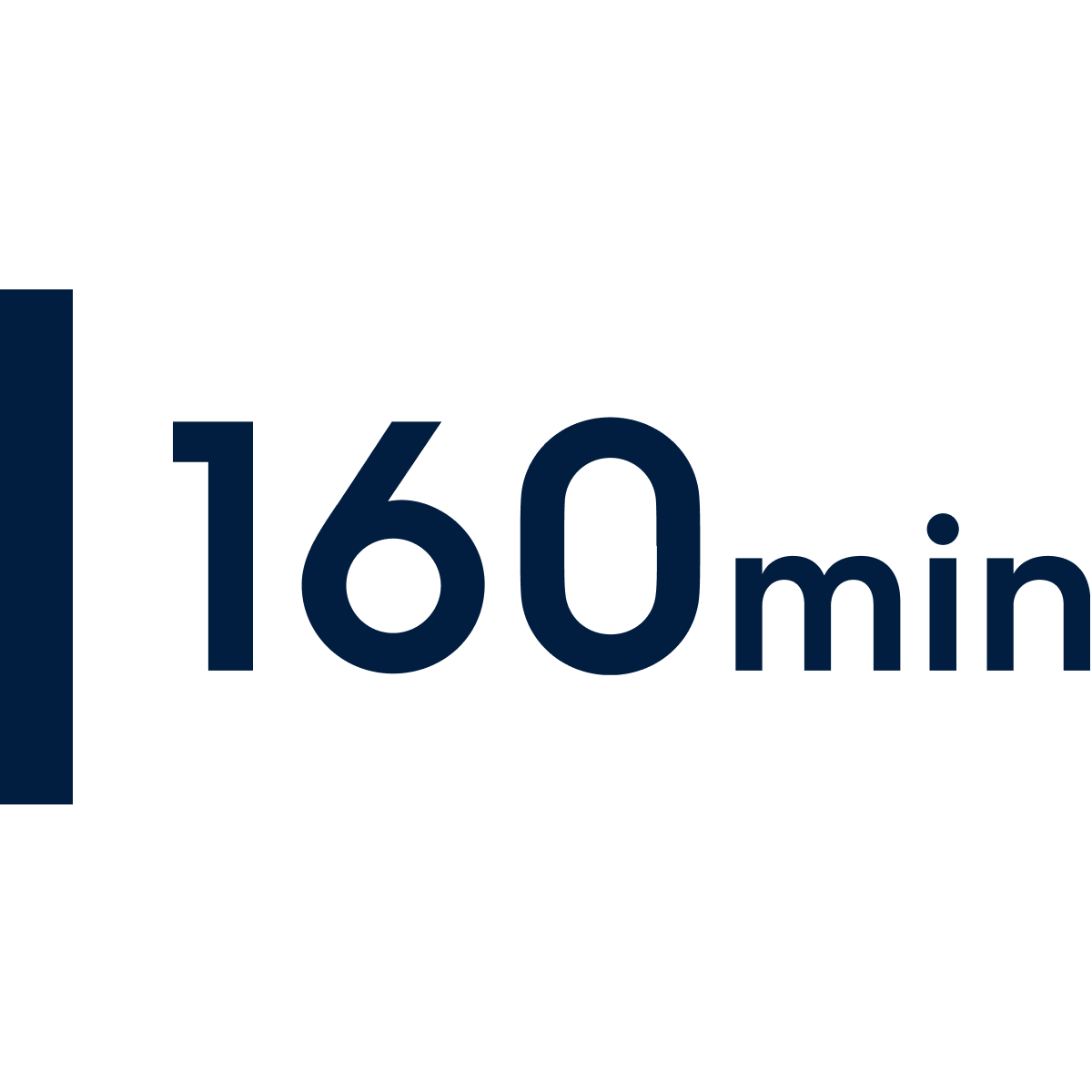 | 160 minutes Longer programme optimal for dishes, cutlery and cookware with a normal to heavy amount of residue, or with dried-on residue. |
Options
Choose among optional add-ons after you’ve selected programme or set programme duration. Depending on your model, you may have one or several options to choose from. Some options affect water and energy consumption as well as programme length.
EXTRA POWER | ExtraPower This option improves the washing results of the selected programme. It increases the wash temperature and duration. |
AIRDRY | AIRDRY AirDry improves the drying results. The appliance door opens automatically during the drying phase and remains ajar. AirDry is automatically activated with all programmes other than Pre-rinse. |
END SOUND | END SOUND You can activate an acoustic signal that sounds when the programme is completed. Acoustic signals sound also when a malfunction of the appliance occurs. It is not possible to deactivate these signals. |
KEY TONES | KEY TONES The buttons on the control panel make a click sound when you press them. You can deactivate this sound. |
Delay start
 | Delay start How to use it |
Maintenance
 | Machine Care Cleans the inside of the dishwasher, removing limescale and grease build-up. Recommended use Run at least once every two months with a descaler or a cleaning product designed for dishwashers. Run without any load. |
Was this article helpful?
Related Articles
- How to change the drain filter in my Zanussi dishwasher?
- Dishwasher displays error code i20, beeps twice, not draining
- Compact dishwasher displays error message E3
- The auto-cleaning indicator ("Machine Care") lights up on the dishwasher
- Is it possible to connect the dishwasher to hot water supply?
- Dishwasher displays error code i40, i43 or i44
- Program not starting and cycle indicator light flashing on dishwasher
- Dishwasher is not heating up water
- Dishwasher does not / will not start but the power is on
- Dishwasher does not switch on, no light on the control panel
Related Articles
- How to change the drain filter in my Zanussi dishwasher?
- Dishwasher displays error code i20, beeps twice, not draining
- Compact dishwasher displays error message E3
- The auto-cleaning indicator ("Machine Care") lights up on the dishwasher
- Is it possible to connect the dishwasher to hot water supply?
- Dishwasher displays error code i40, i43 or i44
- Program not starting and cycle indicator light flashing on dishwasher
- Dishwasher is not heating up water
- Dishwasher does not / will not start but the power is on
- Dishwasher does not switch on, no light on the control panel